Recording Laundry Order
Laundry Management -> Laundry
Management -> Laundry Order
When you install this module, an
extra menu Laundry Management
will created in main menu. Youcan
see the different sub menus under
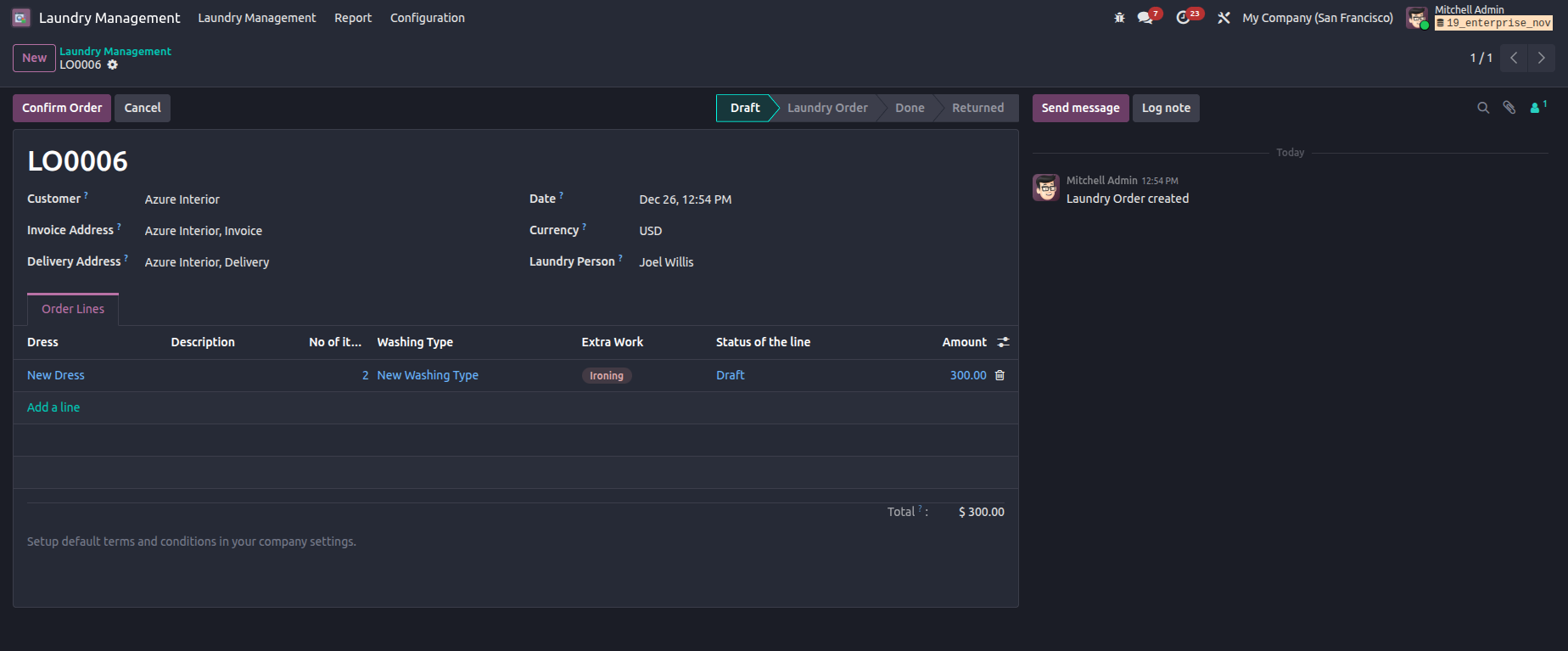
the main menu. Here you can create
Laundry Order via clicking the
'Create' button. There you can
specify the customer, laundry
person,
order lines with washing type and
Extra works for your orders.
Confirm the
Laundry Order.
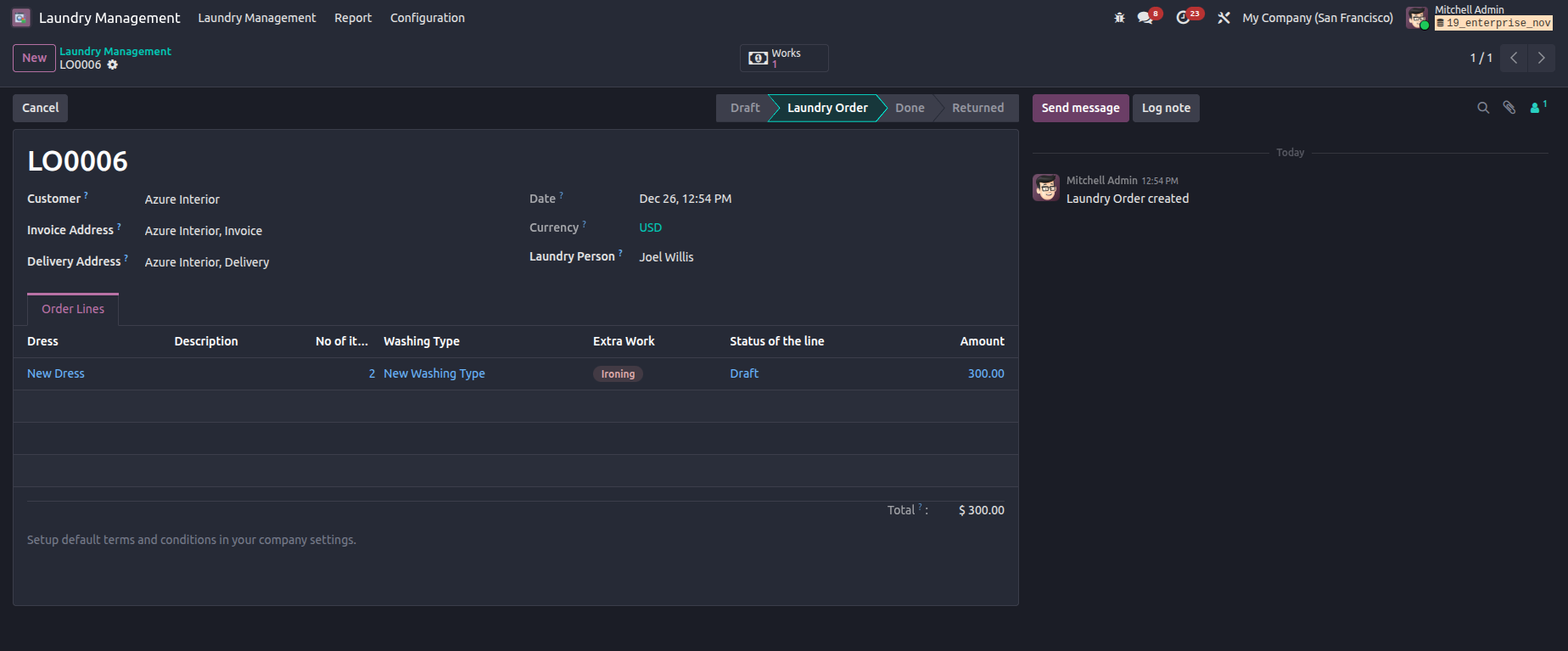
When you confirm the Laundry Order
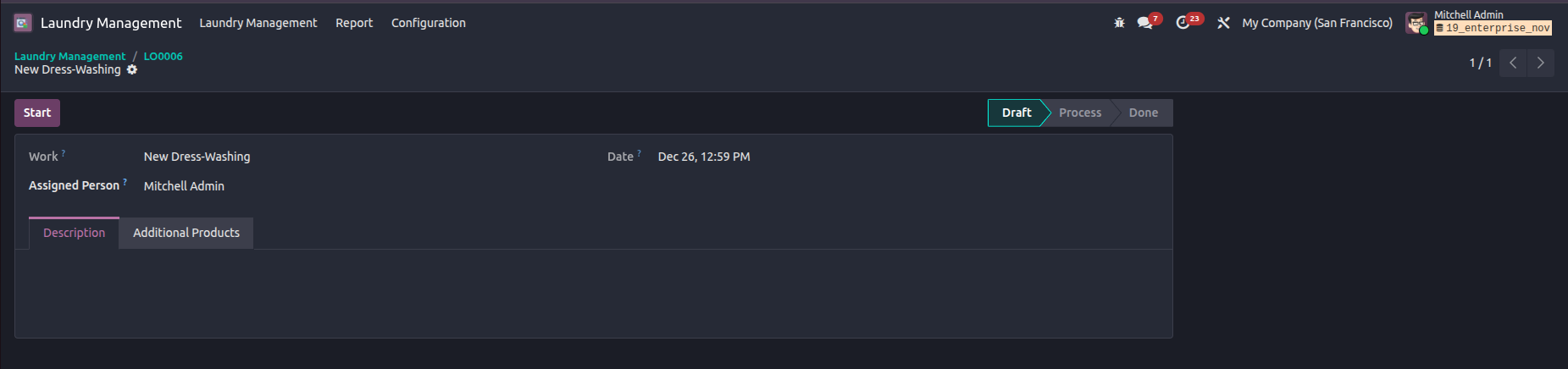
the corresponding works will created
under the assigned person.
There you can add extra products
also. It will also add in Billing.
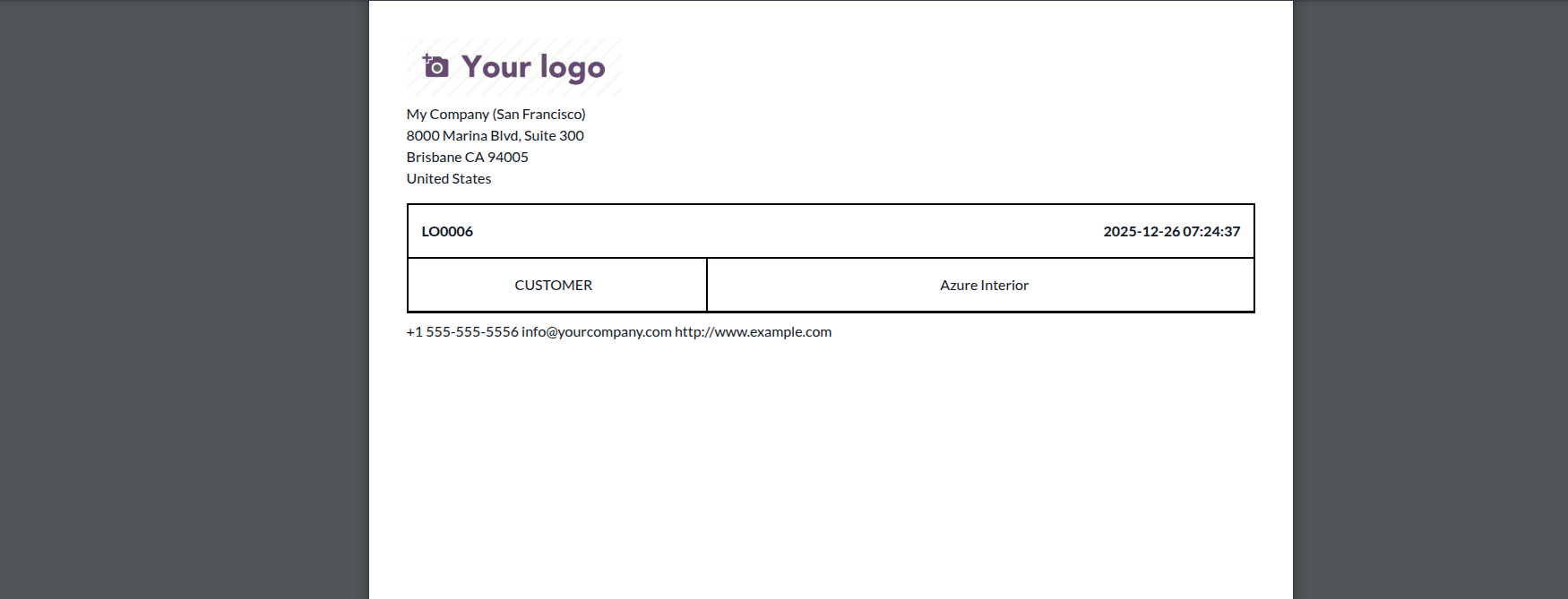
Laundry Label.
You can print label for each order
from the print menu.
Laundry Works.
You can access it through the smart button inside order or Laundry Management -> Laundry
Management -> Laundry Works.
This is a Separate Laundry Works
Form. Here you can see the work
status of Laundry Works.
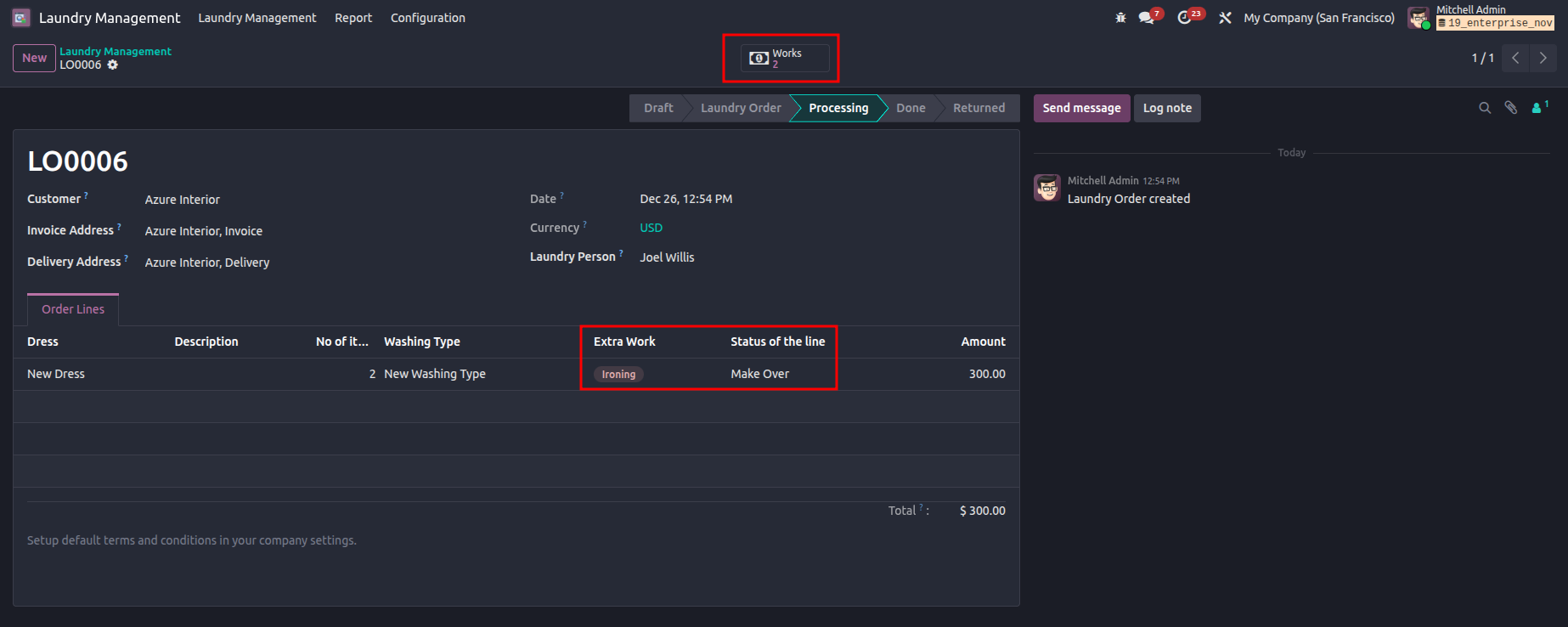
Extra Works.
If there is any extra works , it
will created as work When you finish
the main work. Then we
can see the status of that order
line is become 'Make Over'.
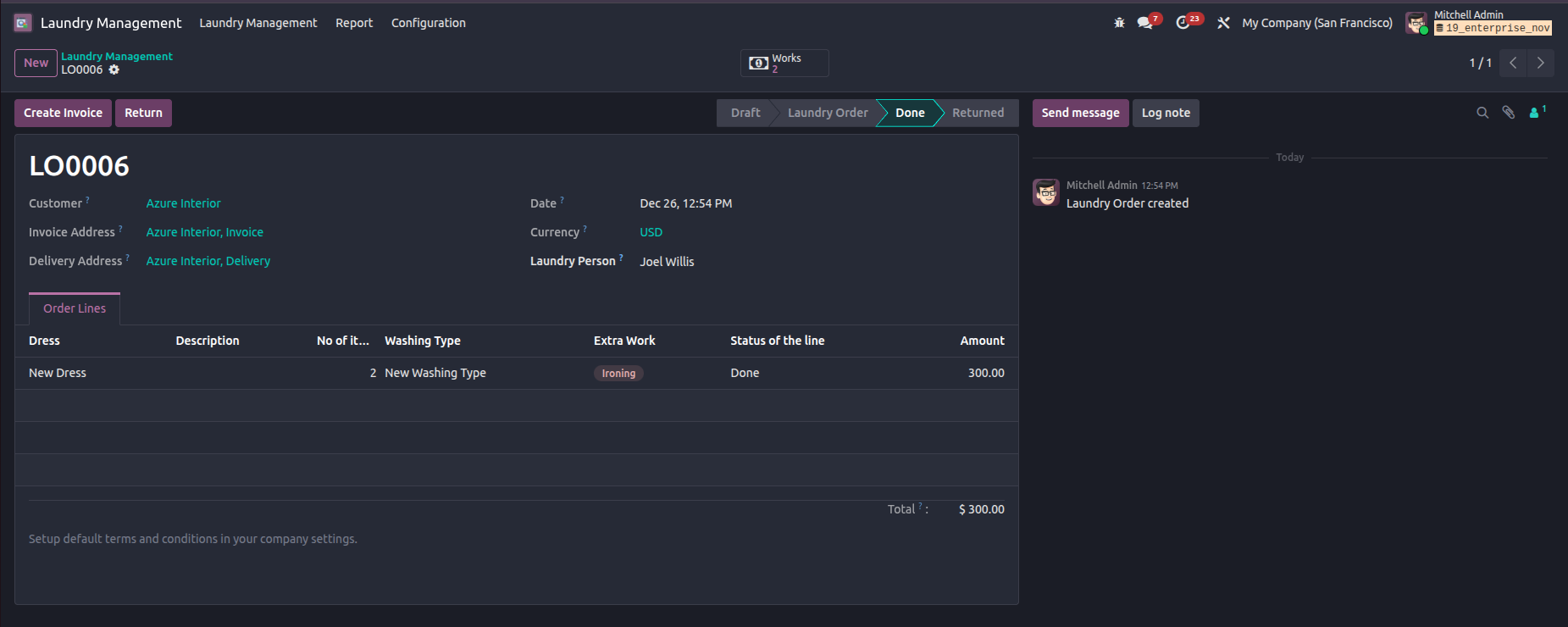
Invoice.
You can create Invoice via the
button 'Create Invoice' when the
order reaches to 'Done' state.
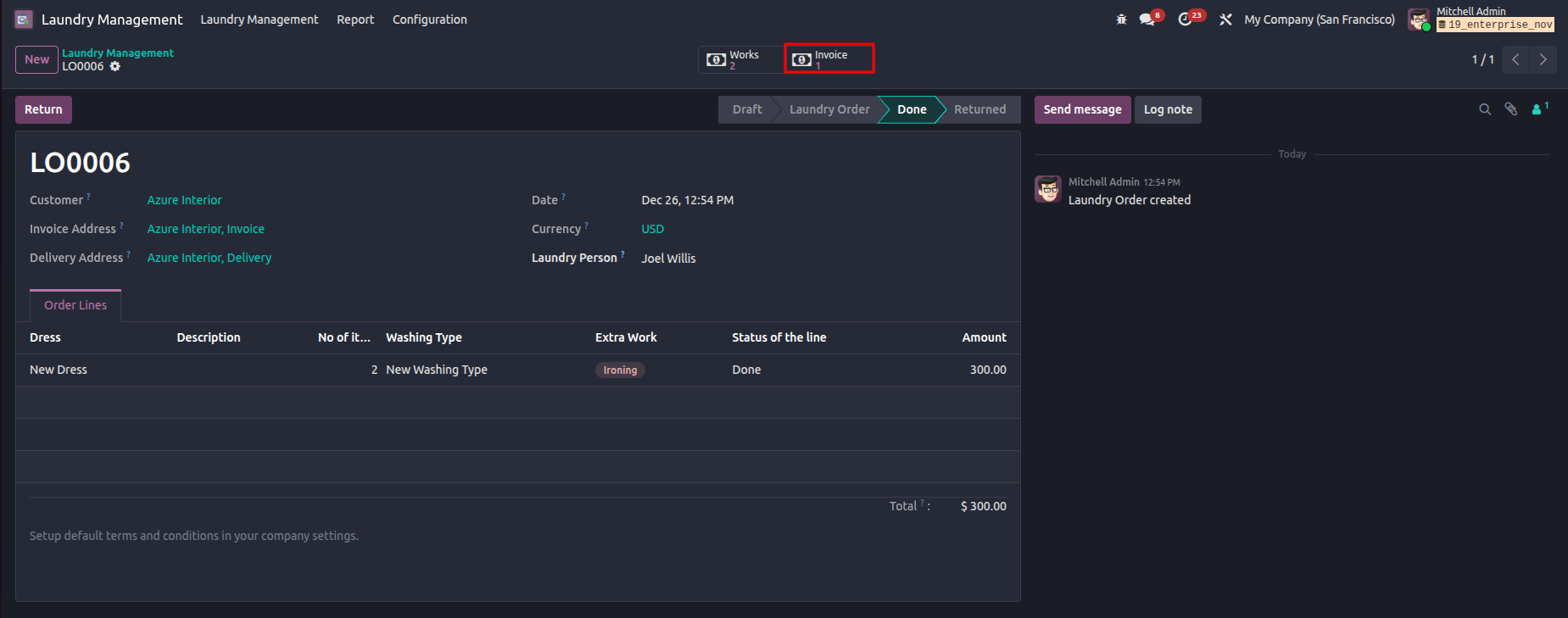
Invoices Smart Button.
You can see all the Invoice through
the smart button "Invoices" from the
Laundry Order form.
Washing Types.
You can configure washing types from
the menu Laundry Management ->
Configuration ->
Washing Type by specifying the name,
assigned person and service charge.
Additional Works.
You can configure additional works
from the menu Laundry Management ->
Configuration ->
Additional Works by specifying the
name, assigned person and service
charge.